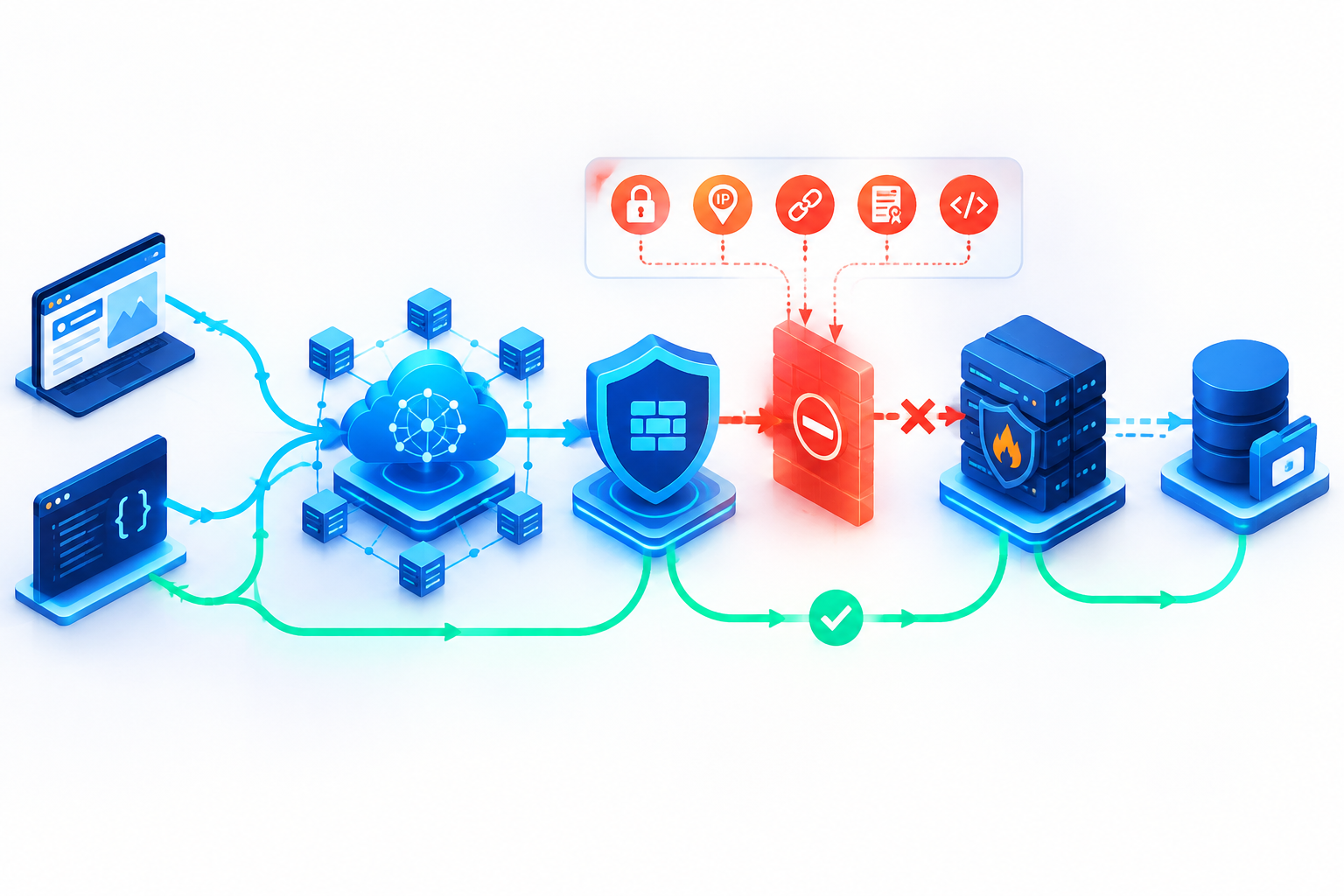
A website that starts returning 403 after a CDN change does not automatically have a file-permission problem. The response may come from an edge security rule, an origin access policy, or the application itself. Identify which layer rejected the request before changing permissions or disabling protection.
This guide covers websites and APIs behind a CDN, with Nginx examples where relevant. Commands use documentation-only domains and IP addresses: replace them with values for systems you administer. Provider-specific behavior is identified separately.
1. Capture one failing request before changing anything
Record the exact URL, method, timestamp and time zone, client network, response headers, and any request ID. Use a GET request first; a HEAD request can take a different application or security path.
curl -sS -D - -o /dev/null https://www.example.com/path/file.jpg
Compare a failing resource with a working one. Does the whole site fail, or only images, API requests, a particular location, or authenticated users? A CDN-branded error page and response headers are useful clues, but they are not proof that the CDN generated the denial. Check the matching edge and origin logs. Keep cookies, authorization headers, signed URLs, and personal information out of shared diagnostic reports.
2. Compare the CDN path with an authorized origin test
If your access policy permits a direct test, use curl's resolve option to connect to the origin while preserving the public hostname for HTTPS and the HTTP request:
curl -sS -D - -o /dev/null \
  --resolve www.example.com:443:203.0.113.10 \
  https://www.example.com/path/file.jpg
Keep the method, path, and relevant request headers equivalent. If both paths return 403, investigate the origin logs first. If only the CDN path fails, compare edge security events and the request that the CDN sends upstream. This is a diagnostic comparison, not a definitive test on its own.
An origin that accepts only CDN traffic may correctly reject your workstation. That failure does not prove CDN-to-origin access is broken. Test from an approved administrative network or inspect logs instead of opening the origin to everyone. A network firewall drop normally causes a timeout or connection failure rather than an HTTP 403; an HTTP-speaking proxy or application must generate the HTTP response.
3. Find the exact WAF rule that matched
Search security events using the request ID and timestamp. Check the matching rule, action, request path, client address, and relevant request fields. Managed rules, custom rules, geographic restrictions, and bot controls can affect legitimate traffic as well as hostile requests. AWS documents that a CloudFront 403 can originate from either AWS WAF or the origin, so the status code alone cannot identify the source. [1][2]
For a confirmed false positive, narrow the correction to the relevant rule, endpoint, and expected traffic. Save the previous configuration, give any temporary exception an expiry, and test both an allowed request and one that should still be blocked. Avoid disabling the entire WAF to make a single endpoint work.
4. Check origin allow lists without exposing the origin
After a CDN is enabled, the immediate network peer seen by the origin is generally a CDN address rather than the visitor. Check the provider's official origin-facing address ranges and update every origin consistently, including IPv6 where used. Do not copy an unofficial or outdated IP list.
Nginx evaluates access rules in order until the first match. The following illustrates the structure only; both ranges are reserved for documentation and are not actual CDN networks. [3]
location / {
    allow 192.0.2.0/24;
    allow 2001:db8:1234::/48;
    deny all;
}
Check which client address Nginx is evaluating if a trusted-proxy or real-IP configuration is active. Do not trust visitor-supplied forwarding headers from arbitrary senders. Back up the active configuration, make a narrowly scoped change, run nginx -t, and reload only if validation succeeds. Keep the previous configuration available for rollback. Confirm that the CDN succeeds while unauthorized direct access remains blocked.
5. Test hotlink protection separately
If pages load but embedded images fail, compare the Referer values reaching the edge and origin. Opening an image directly may omit Referer, so it is not equivalent to loading that image inside a page.
This Nginx example allows missing or stripped Referer values and the configured server names, plus matching subdomains. Whether that policy is appropriate depends on your site. [4]
valid_referers none blocked server_names *.example.com;
if ($invalid_referer) {
    return 403;
}
Review the effective server names and the actual request before copying the example. Referer can be forged and must not be treated as authentication. Use a suitable authorization mechanism, such as validated signed URLs, for private downloads. Test both normal embedded requests and the cases your policy is intended to reject.
6. Check hostname binding and request methods
A DNS record pointing at a CDN is not always enough. For example, CloudFront also requires the alternate domain name to be configured on the distribution. A missing binding can cause 403. Check the public hostname and the configured distribution before changing the origin. [1]
Then compare the origin HTTP Host header, the selected virtual host, and HTTPS settings. Certificate-name or SNI problems can cause a TLS failure rather than a 403, so use the observed error and origin logs instead of treating every connection problem as an access denial.
If GET works but POST, PUT, or an OPTIONS preflight fails, inspect allowed methods at the CDN, reverse proxy, and application. Reproduce the failing method safely on a test endpoint. Adding permissive CORS response headers does not fix a request that a security rule rejects before it reaches the application.
7. For object storage, verify identity and the exact key
Keep private buckets private. Check that the CDN's configured origin identity has permission to read the intended objects. For CloudFront with S3, this includes the applicable origin access control or legacy origin access identity configuration and bucket policy. Also verify the exact object key, letter case, origin path, and any signed URL or cookie requirements. [1]
A 403 does not always prove an object exists: AWS lists nonexistent objects and incorrect paths among possible causes of S3-origin 403 responses. Confirm the object through an authorized storage-side check. Do not make the bucket public merely to distinguish missing content from denied access.
8. Verify recovery and remove temporary exceptions
After correcting the cause, check whether the CDN is still serving a cached error. Error caching is provider- and configuration-dependent. If necessary, invalidate the affected URL or cache variant precisely; broad cache purges can increase origin load and will not repair an active denial.
Repeat the original failing request and check fresh edge and origin logs. Verify pages, images, API methods, preflight requests, and expected authentication behavior from the relevant locations. Confirm that legitimate traffic succeeds and prohibited traffic is still denied. Remove temporary exceptions, record the rule or policy change, and retain a rollback copy.
The practical sequence is short: locate the source of the 403, change the smallest relevant policy, and verify both availability and protection. File permissions and global security switches should not be the first things changed.
Official references
[1] AWS: HTTP 403 status code (Permission Denied).
[2] Cloudflare: Error 403.
[3] Nginx: HTTP access module.
[4] Nginx: HTTP referer module.